

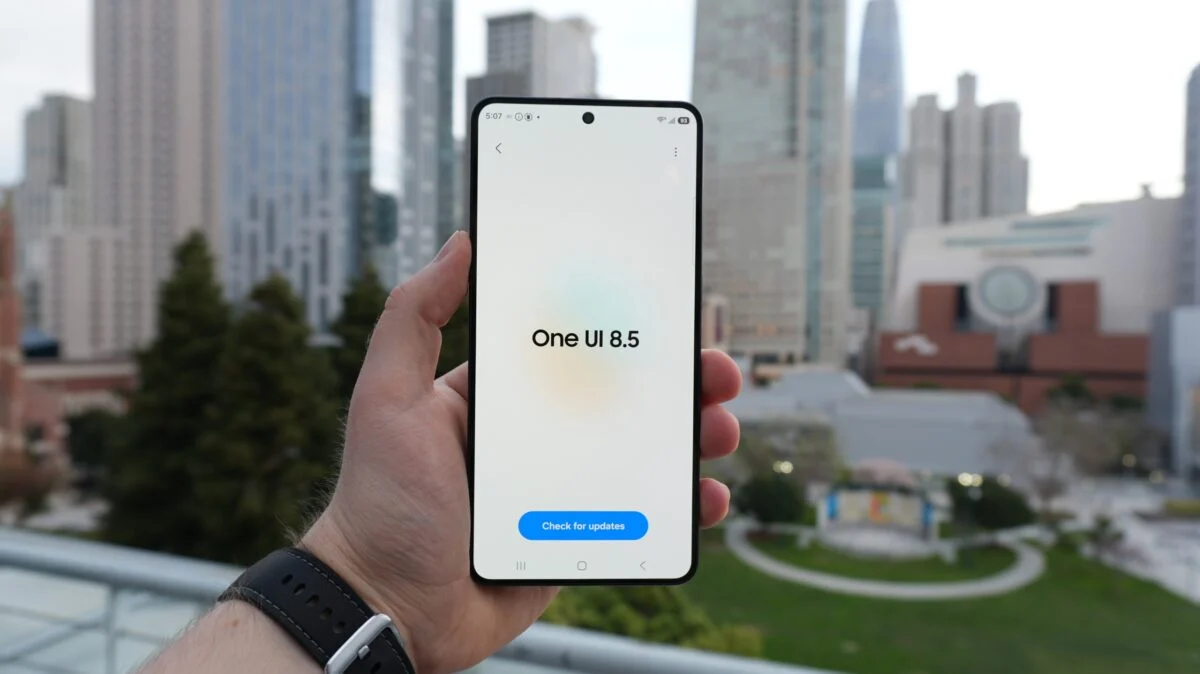
Samsung has officially launched the global distribution of its highly anticipated One UI 8.5 update. Built on the Android 16 platform this software upgrade marks a major milestone in Samsung’s mission to democratize advanced artificial intelligence across its mobile ecosystem. Following a successful beta period and an initial release in South Korea on May 6 the stable version is now hitting international markets including India the United States and Europe as of today May 11 2026. This update is not just a minor patch but a comprehensive enhancement of the user experience focusing on smoother performance and intelligent productivity tools.
Major Galaxy AI Enhancements And Communication Tools
The centerpiece of One UI 8.5 is the expansion of Galaxy AI features that were previously exclusive to the flagship S26 series. Samsung has refined its suite of intelligent tools to make everyday tasks more intuitive. A standout addition is the upgraded Quick Share which now features cross platform compatibility similar to AirDrop. This allows Galaxy users to share high resolution files directly with other operating systems for the first time effectively bridging the gap between different tech environments.
Communication also receives a boost with the introduction of Now Nudge within the Samsung Keyboard. This AI driven tool predicts user needs by suggesting relevant information or phrases based on the context of a conversation. Furthermore the system wide natural language search has been improved allowing users to find specific photos in the Gallery or settings in the menu using conversational phrases instead of rigid keywords.
Refined User Interface And Smoother Animations
While One UI 8.5 retains the familiar aesthetic of previous versions it introduces significant under the hood optimizations for a more fluid feel. Samsung has completely overhauled the animation engine resulting in noticeably smoother app opening and closing transitions. Multitasking behavior is now more responsive especially on foldable devices like the Galaxy Z Fold 7 where the interface feels more like a bridge between a smartphone and a portable PC.
The Quick Panel has also been redesigned for better customization. Users can now rearrange toggles and layout elements with greater flexibility. Additionally the lock screen now supports expanded live activities through the Now Bar. This feature provides real time updates for navigation music playback and sports scores without requiring the user to unlock their phone.
List Of Eligible Samsung Galaxy Devices
The rollout of One UI 8.5 is occurring in phases to ensure system stability. The first wave focuses on premium hardware released in 2025 and 2026 with older flagships and mid range models following shortly after.
First Wave Devices (Available Now):
The Galaxy S25 series including the S25 Ultra S25 Plus S25 Edge and the standard S25 are the first to receive the global OTA update. Joining them are the latest foldables including the Galaxy Z Fold 7 the Z Flip 7 and the innovative Z TriFold.
Second Wave Devices (Expected This Week):
Owners of the Galaxy S24 series including the S24 Ultra and S24 FE should see the update notification within the next few days. The Galaxy Z Fold 6 and Z Flip 6 are also part of this immediate expansion.
Tablet And Mid Range Support:
The Galaxy Tab S11 and Tab S10 series are scheduled for the upgrade by the end of the month. Interestingly Samsung has confirmed that the Galaxy A36 5G and select A series mid rangers like the A56 will receive the update during the final phase of the rollout making it one of the most inclusive software launches in recent years.
How To Download And Install One UI 8.5
For users on the stable One UI 8.0 version the update is a substantial download weighing in at approximately 4.5 GB. Those who participated in the beta program will receive a much smaller transition patch to move to the final build.
To check for the update on your device navigate to the Settings menu select Software Update and tap on Download and install. Samsung recommends performing a backup of important data and ensuring at least 50 percent battery life before starting the installation. As the rollout progresses over the coming weeks millions of Galaxy users worldwide will gain access to a smarter more connected mobile experience.
