

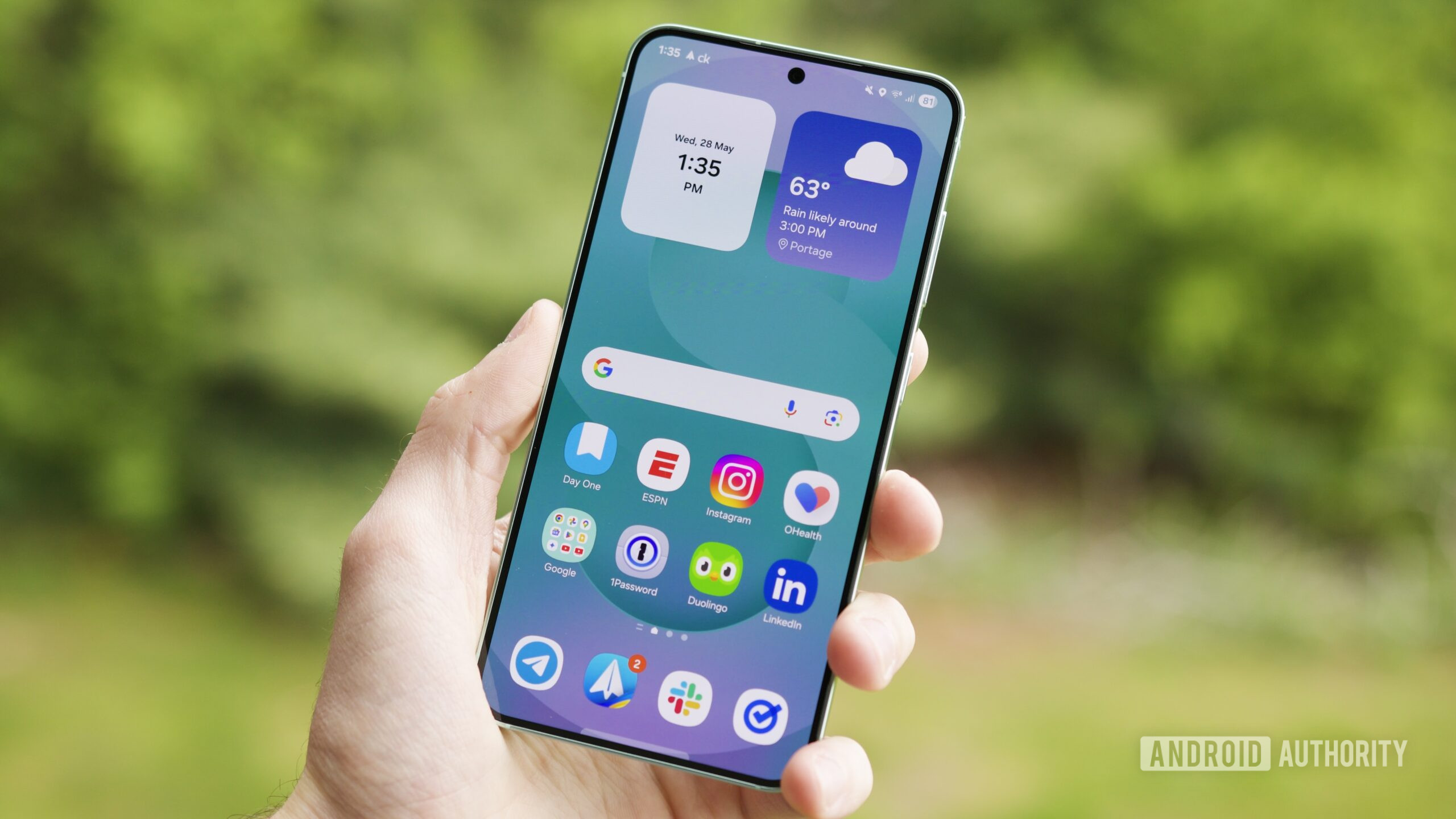
Samsung officially began rolling out the One UI 8 update, based on Android 16, to Galaxy devices. With an emphasis on personalization, AI, and enhanced multitasking, One UI 8 is tailored to heighten the user experience on phones, tablets, and wearables. Here’s all you need to know.
One UI 8 Rollout Timeline and Eligible Devices
The One UI 8 stable version started being rolled out globally on September 15, 2025, with the Galaxy S25 series. It is now available for:
• Galaxy S25, S25 Plus, S25 Ultra
• Galaxy S24 and S24 FE
• Galaxy Z Fold 6 and Flip 6
• Galaxy Tab S11 series
• Galaxy Watch 6 and Watch Ultra
The older devices such as Galaxy S23, S22, and A series will get the update in phases over October and November.
Key Highlights of One UI 8
More Personalization with Galaxy AI
One UI 8 introduces multimodal AI, which learns from user behavior. Features such as Now Bar and Now Brief provide real-time information, media controls, and tailored tips on your routine.
Better Multitasking and App Layouts
Samsung tablets now support three-app split screen layouts, allowing users to run multiple apps in a 50:25:25 format. This is ideal for students and professionals who need flexible multitasking.
Refined App Interfaces and Tools
Core apps like Samsung Internet, Quick Share, and Calendar have been redesigned for better usability. The Reminder app and Gallery also receive subtle upgrades for smoother navigation.
Security and Privacy Upgrades
Samsung adds Knox Enhanced Encrypted Protection, which provides app-based secure environments. The update also adds post quantum cryptography for added Wi-Fi security, even on public networks.
Update Size and Installation Tips
The One UI 8 update is around 3GB for flagship devices such as the Galaxy S23 Ultra. Users are recommended to:
• tap Use a stable Wi-Fi connection
• make sure battery is more than 50 percent
• head to Settings > Software update > Download and install
Early User Reactions and Performance
The initial user reaction from around Asia, Europe, and Africa has been positive. Numerous users commend the tidier appearance and smoother transitions. The update further features the September 2025 security patch, keeping devices secure.
A Polished Step Forward
Although One UI 8 does not represent a full visual redesign, it delivers significant improvements that enhance everyday use. With more intelligent AI, improved multitasking, and enhanced security, Samsung continues to move its software experience in a human-first direction.
